
Create and Compare New Launch Groups
Group multiple new launch projects together to compare different market segments, launch periods, or custom project portfolios.
1. Create a New Group
Click Select & Compare and enable Group Comparison to define a group of new launch projects.
Give your group a meaningful name. For example, you could create groups such as:
- New Launches 2024
- New Launches 2025
- Projects in Area
- Luxury Developments
- Projects by Developer
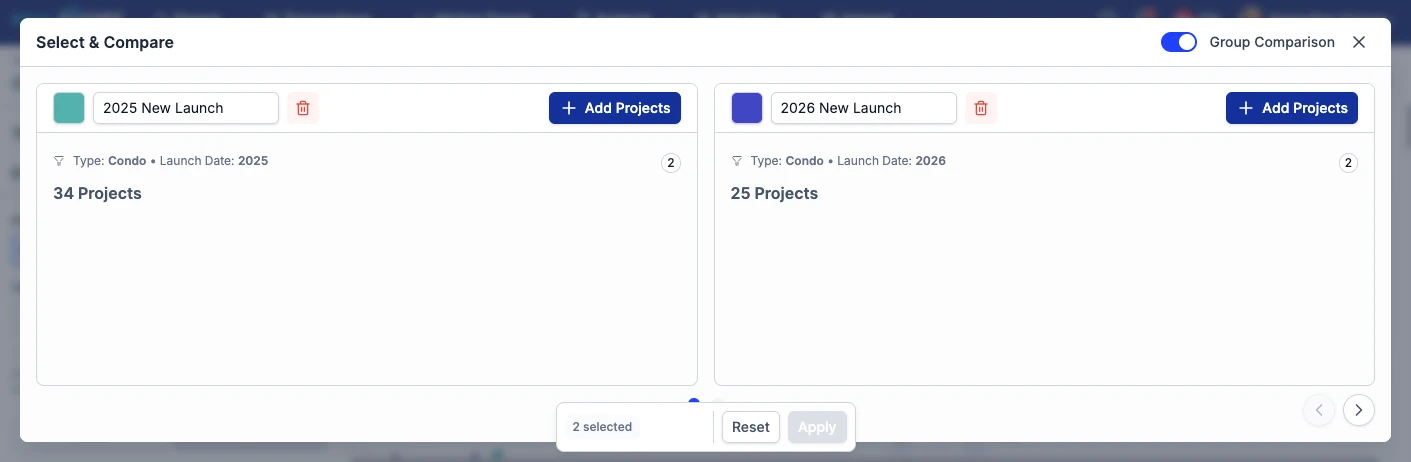
2. Add Projects to Your Group
Search for and add one or more new launch projects. You can either add them individually or apply filters to the group.
Each group can contain any combination of projects, allowing you to build custom portfolios for analysis.
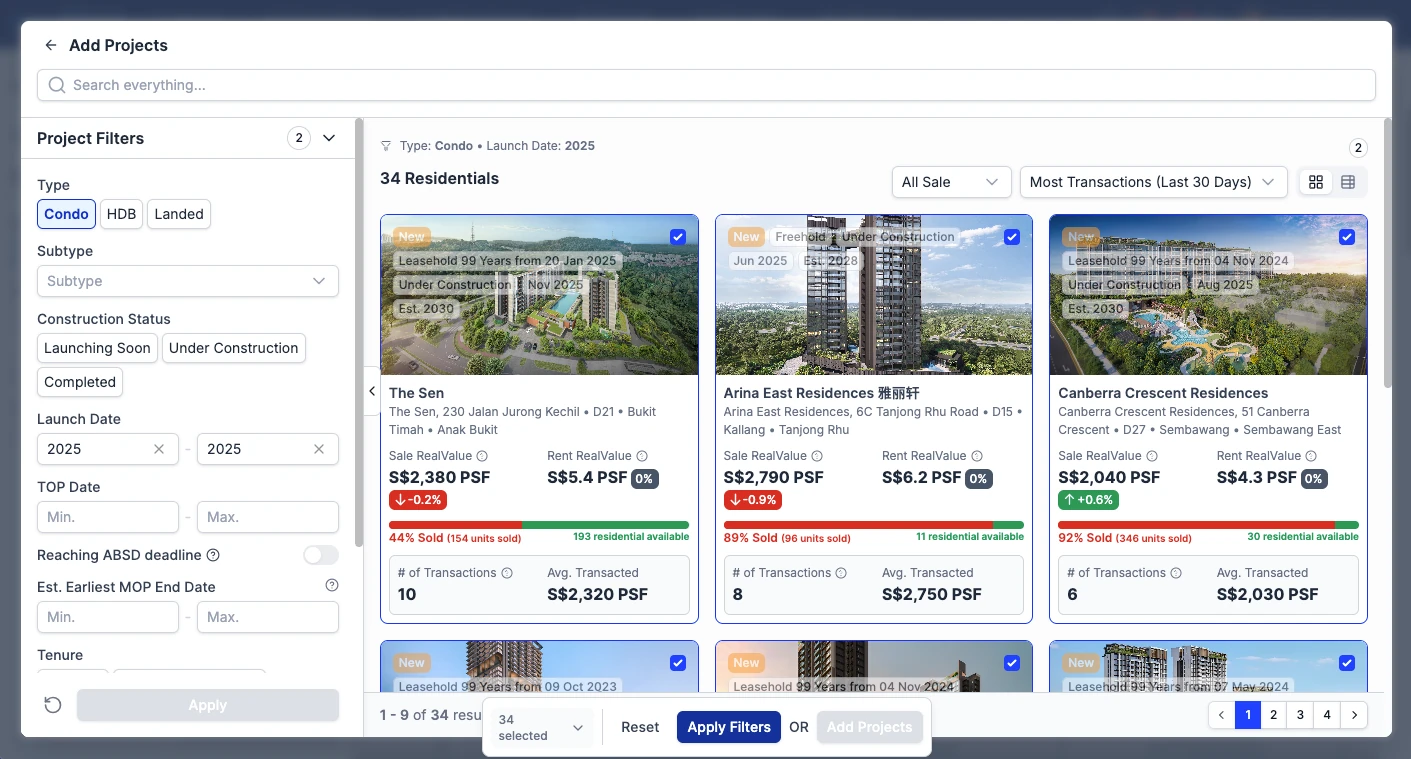
Example: Create one group containing all projects launched in 2025 and another containing projects launched in 2026 to compare market performance across different launch years.
3. Compare Groups
RealInsight aggregates the projects within each group and compares their overall performance.
Depending on the selected view, you can compare metrics such as:
- Number of Transactions
- Sales Progress
- Average Selling Price
- Average PSF
- Price List Changes
- Unrealised GDV
4. Compare by Launch Timeline
By default, projects are compared using Time-Based axis.
You can also switch to Launch-Based axis to align every project based on its launch date.
Instead of comparing projects by month or year, this view compares them at the same stage of their sales journey. For example:
- Month 1 after launch
- Month 3 after launch
- Month 6 after launch
- Year 1 after launch
This makes it easier to compare how different projects performed during equivalent stages of their launch cycle, regardless of when they were launched.
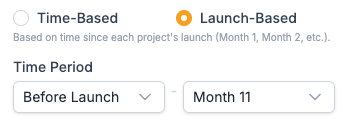
Example: Compare how 2025 and 2026 launches performed during their first six months, even though they entered the market at different times.
5. Analyse Market Segments
Use groups to compare different segments of the new launch market.
For example:
- 2024 vs 2025 launches
- CCR vs RCR developments
- Large vs Boutique projects
- Different developers
- Different planning regions
6. Refine Your Comparison
Modify your groups at any time by adding, removing projects or applying filters.
As your groups change, all charts and metrics update automatically, making it easy to test different market scenarios.Explore More Guides