
Analyse a Custom ZoneBuild and Customize a Time Series ChartMonitor the New Launch MarketAnalyse a New Launch ProjectCompare New Launch ProjectsCreate and Compare New Launch GroupsFind High-Potential Projects Through Property RealValueFind Top-Performing Projects Through Transaction HistoryAnalyse and Compare Area PerformanceSave and Share Your Analysis
Help Center > Market Trends > Analyse a New Launch Project
Analyse a New Launch Project
Explore the sales performance, pricing, and remaining inventory of an individual new launch project.
1. Select a New Launch
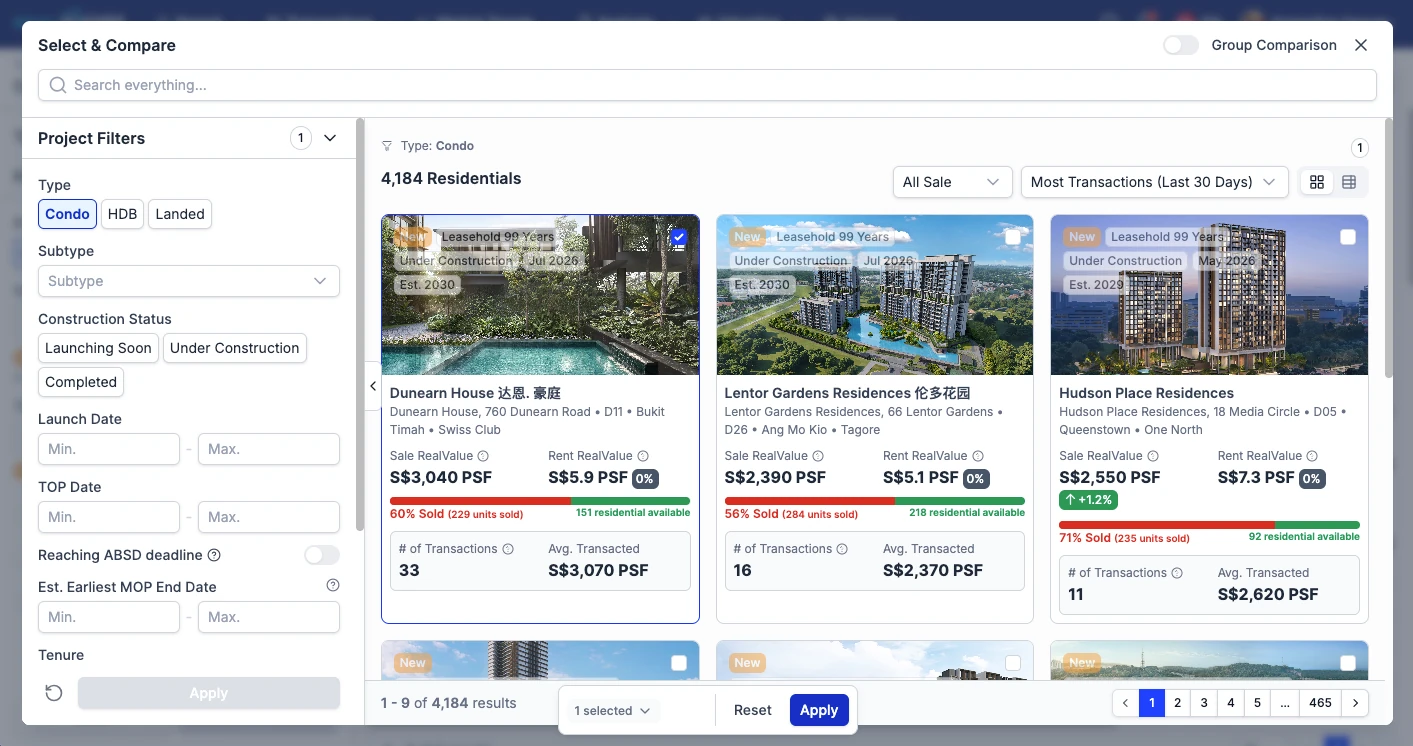
Click Select & Compare and select the new launch project you want to analyse.
The dashboard updates to display information specific to that project.
2. Review Project Transactions
Explore all recorded transactions for the selected development.
Review details such as:
- Transaction Date
- Unit Type
- Transacted Price
3. Monitor Sales Progress
Review the project's properties to understand how sales have progressed.
Depending on the available data, this may include information such as:
- Unsold Properties
- Unrealised GDV
- Listing Price Change
Explore More Guides