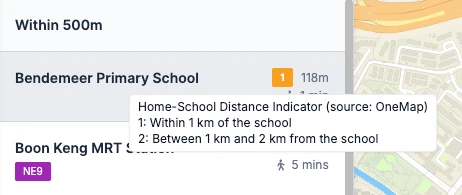
Find Nearby Schools for a Project
Explore nearby schools around a project and check their distance from the development using map radius and school proximity indicators.
1. Open the Project Location
Search for and open the project you want to analyse.
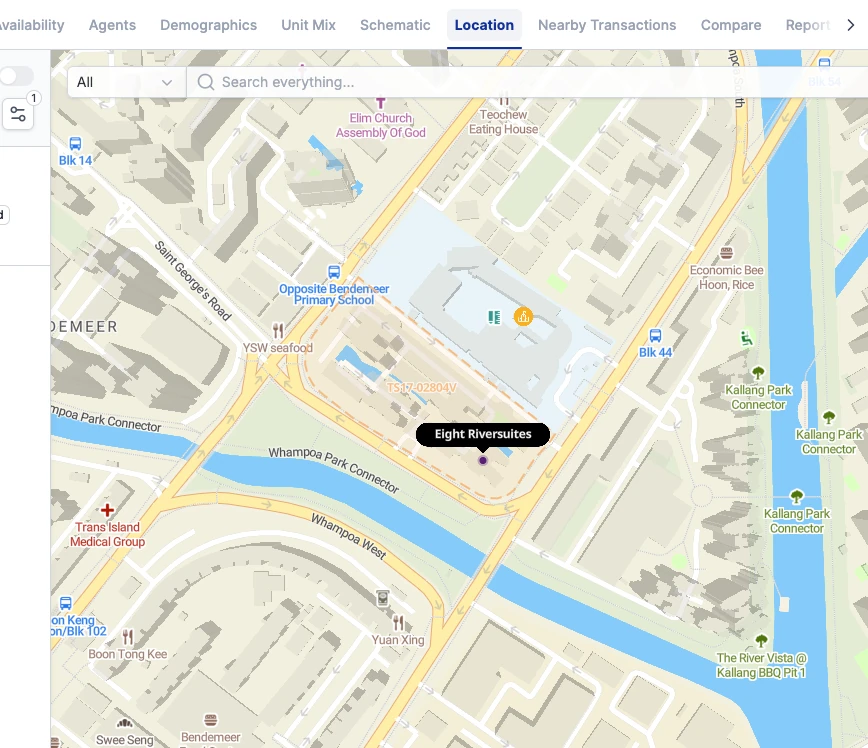
Go to the Location tab to explore amenities and Points of Interest (POIs) around the development.
2. Set the Search Radius
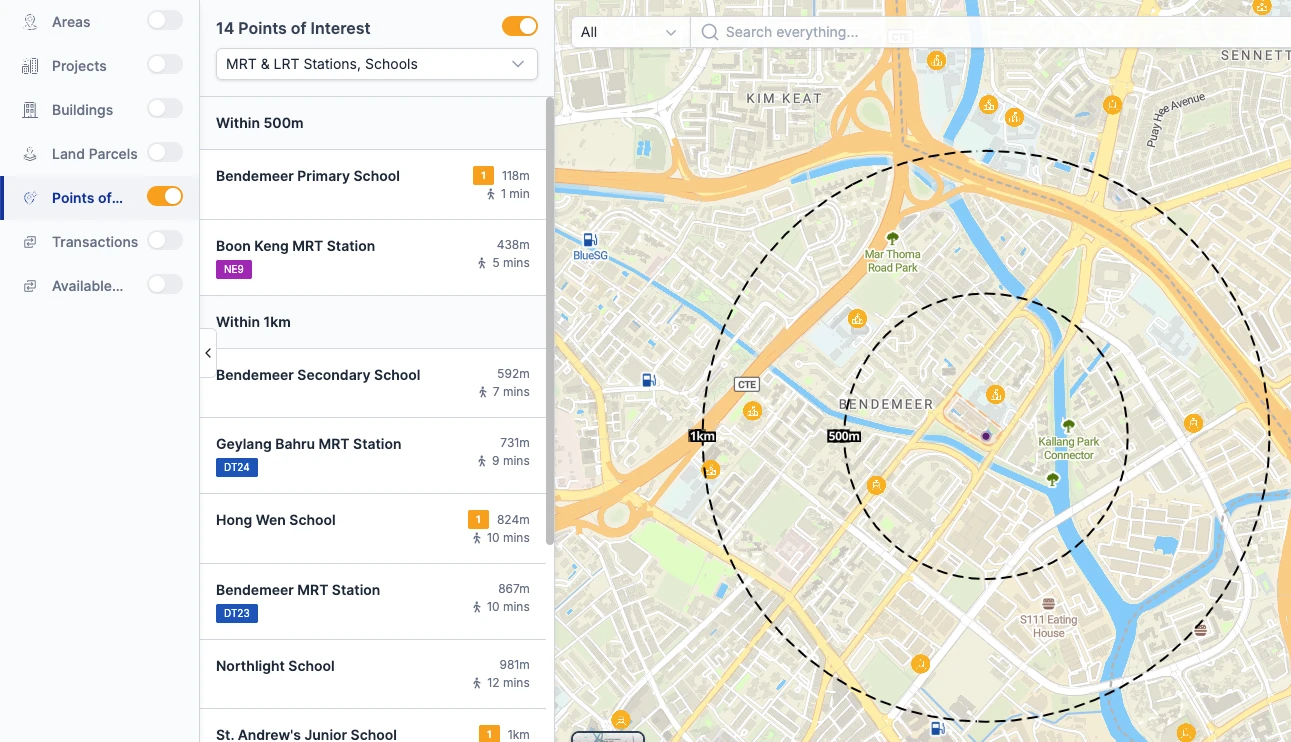
Use the distance options to select a radius around the project:
- 500m
- 1km
- 2km
The selected radius is displayed directly on the map, making it easy to see which schools fall within the chosen distance.

3. View Nearby Schools
Make sure you are viewing the Points of Interest list on the side of the map.
The nearby schools within your selected radius will be displayed in the list, along with the other relevant POIs.
Click on a school to explore its location and details.
4. Check the Home-School Distance Indicator
For Singapore schools, you can also use the OneMap Home-School Distance Indicator to check whether the project falls within:
- 1km of the school
- 2km of the school
This provides an additional way to assess the project's proximity to nearby schools.