Compare New Launch Projects
Compare multiple new launches side by side to evaluate pricing, sales performance, and remaining development potential.
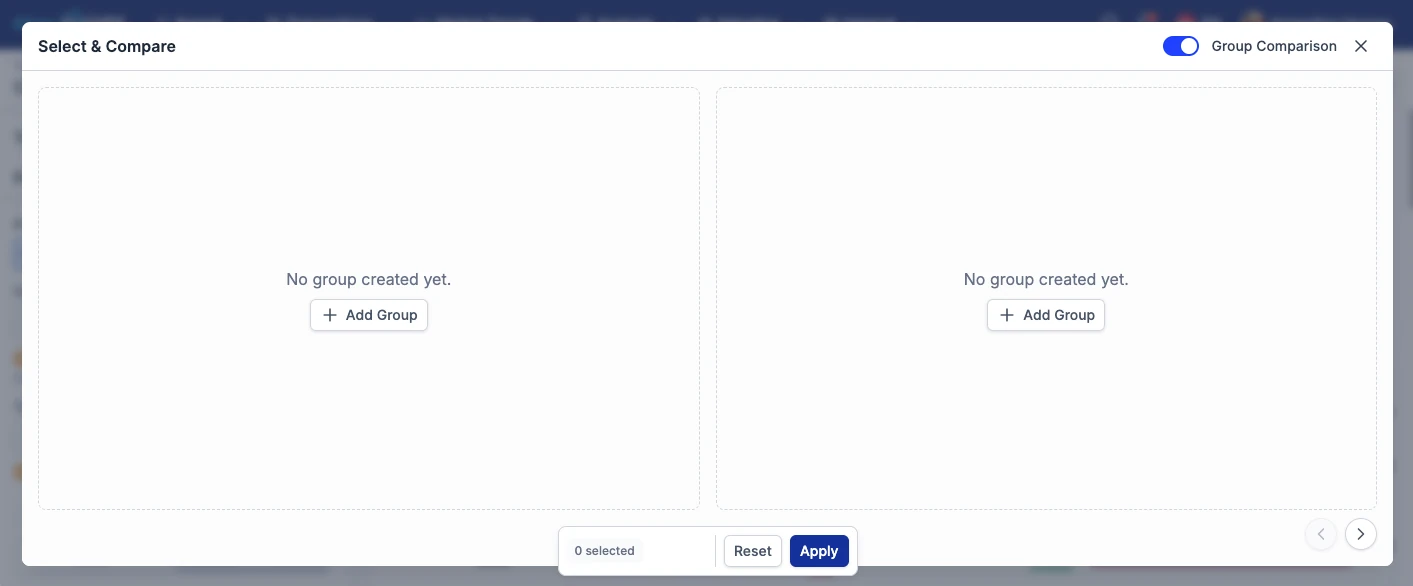
1. Create Two or More Groups
Click Select & Compare and enable Group Comparison to define a group for each new launch projects.
Give your group a meaningful name. For example, the name of the projects.
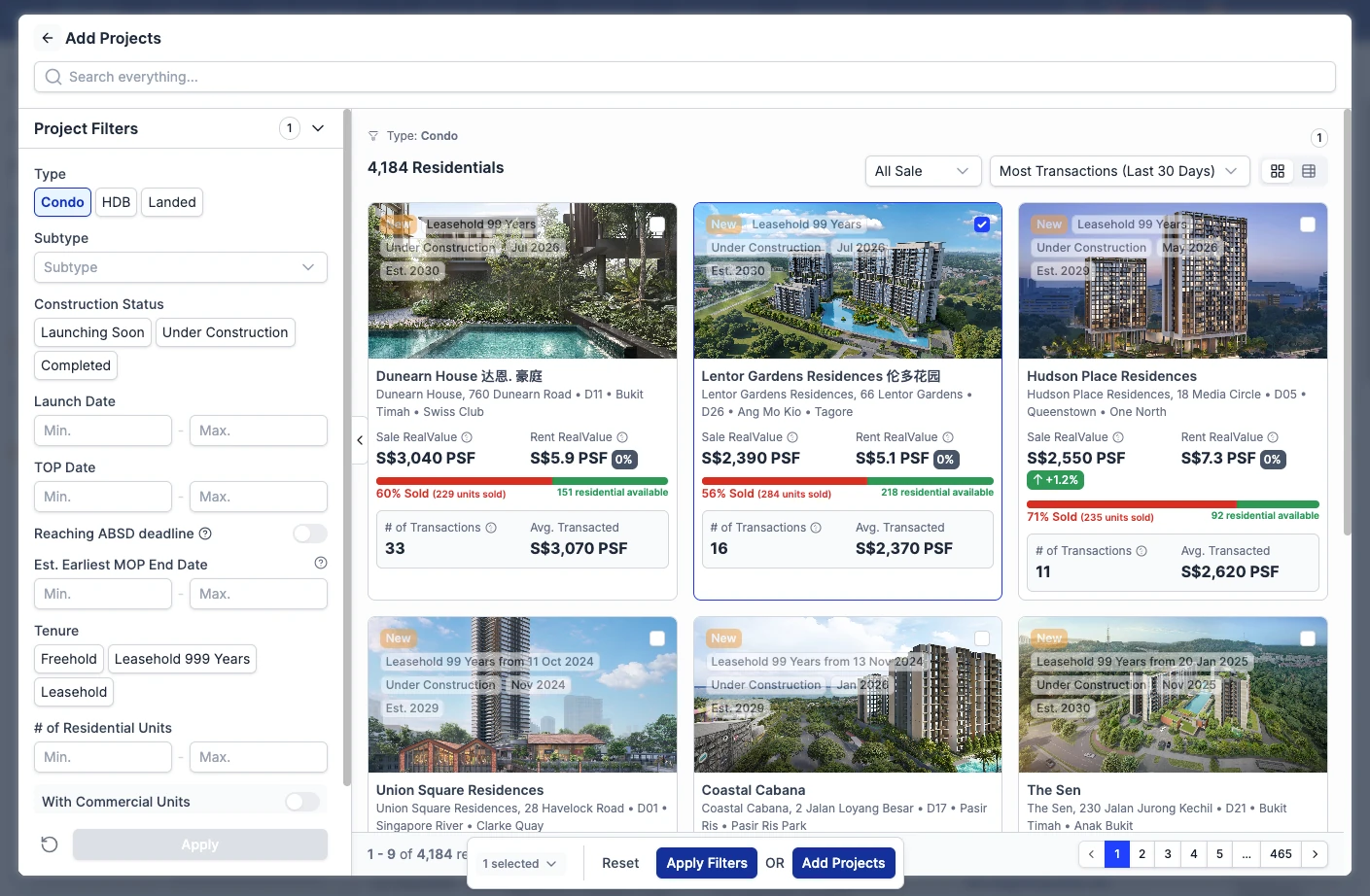
2. Add Projects to Your Group
Search for and add the projects to the respective groups.
3. Compare Sales Performance
Review how each project has performed by comparing metrics such as:
- Number of transactions
- Average Transacted Price
- Average Transacted PSF
4. Compare Pricing and Inventory
Analyse how the two developments differ in terms of:
- Unsold Properties
- Unrealised GDV
- Listing Price Change
5. Compare by Launch Timeline
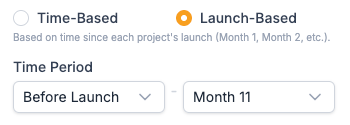
By default, projects are compared using Time-Based axis.
You can also switch to Launch-Based axis to align every project based on its launch date.
Instead of comparing projects by month or year, this view compares them at the same stage of their sales journey. For example:
- Month 1 after launch
- Month 3 after launch
- Month 6 after launch
- Year 1 after launch
This makes it easier to compare how different projects performed during equivalent stages of their launch cycle, regardless of when they were launched.